
Funky 360 · AI Experiences for Events
AI photo booth for your corporate event: how it works and what kind of photos guests receive
From an on-site snapshot to a themed AI portrait: how the experience works, what scenes you can pick, and what to consider for individual and group shots.
What is an AI photo booth?
The AI photo booth snaps guests and uses artificial intelligence to create a brand-new, themed version of the image. Depending on the chosen concept, the background, outfits, and visual style can all be transformed. Guests receive a digital keepsake, and instant prints can be arranged based on your setup.
For corporate events, the experience can seamlessly match the party's theme, an active campaign, or your company's brand identity.
With Funky 360's AI photo booth, you get UNLIMITED photos for your rental time — no limits at all. An on-site assistant is always there to help guests and keep the tech running smoothly.
How does the AI photo booth work at your event?
- We prepare a themed concept. Before the event, we fine-tune the style of images you want guests to receive and how your brand will be featured.
- The guest steps up to the camera. Our assistant helps with posing and framing, especially when multiple people are in the shot.
- We capture the initial photo. This snapshot serves as the foundation for the transformation. Clear faces and great lighting are key to top-quality results.
- The AI works its magic. The system creates a themed version based on your selected scene and custom settings.
- The final photo is delivered digitally. Depending on your setup, it can also be printed right on the spot with a custom branded frame.
It’s a creative transformation! The final image places the guest in an exciting new visual world, rather than being a plain documentary photo of an actual visit to that location.
What kind of photos do guests receive?
The result can look like a cinematic portrait, a stylish illustration, a vintage photograph, or a scene straight out of an imaginary world. The vibe all depends on the pre-designed concept.
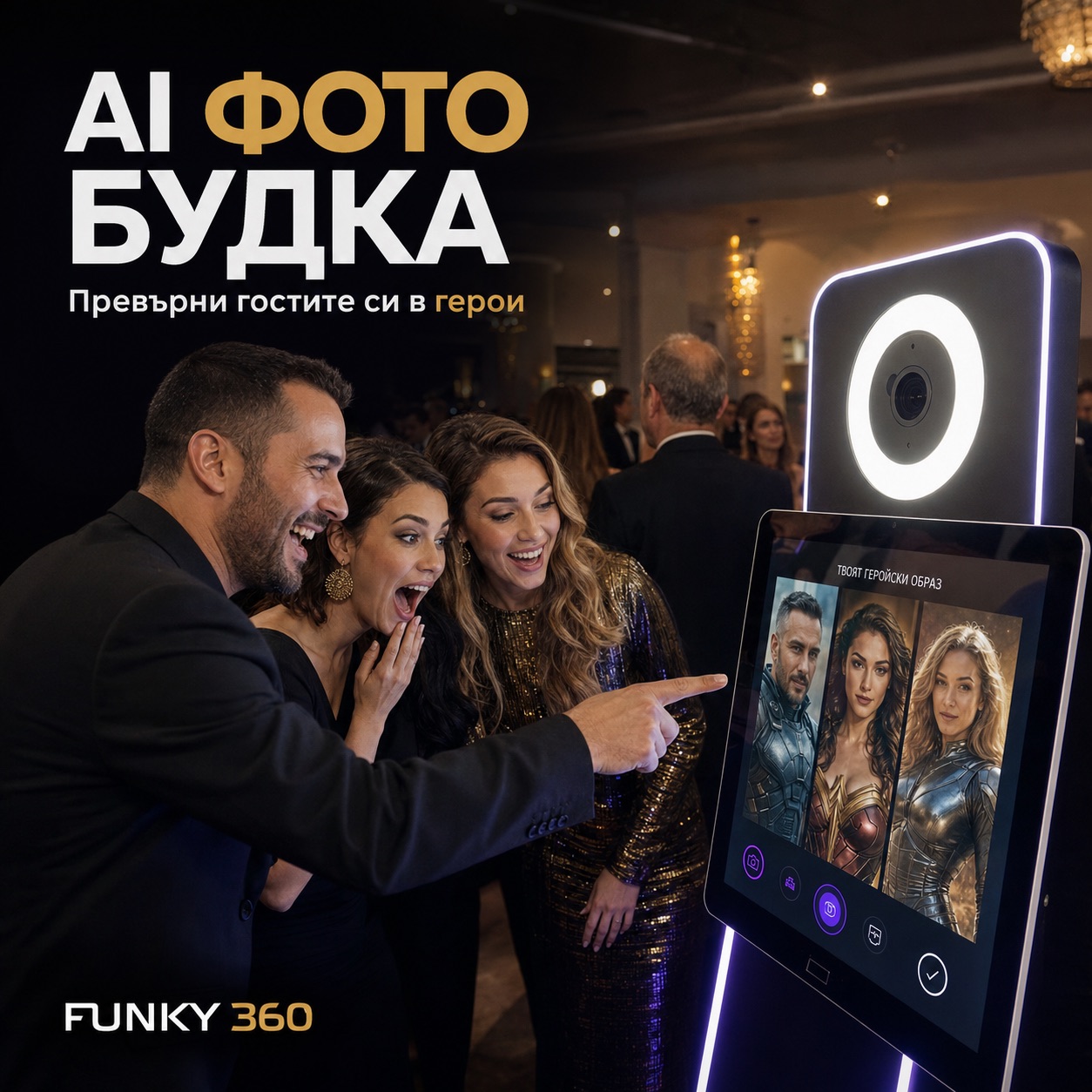
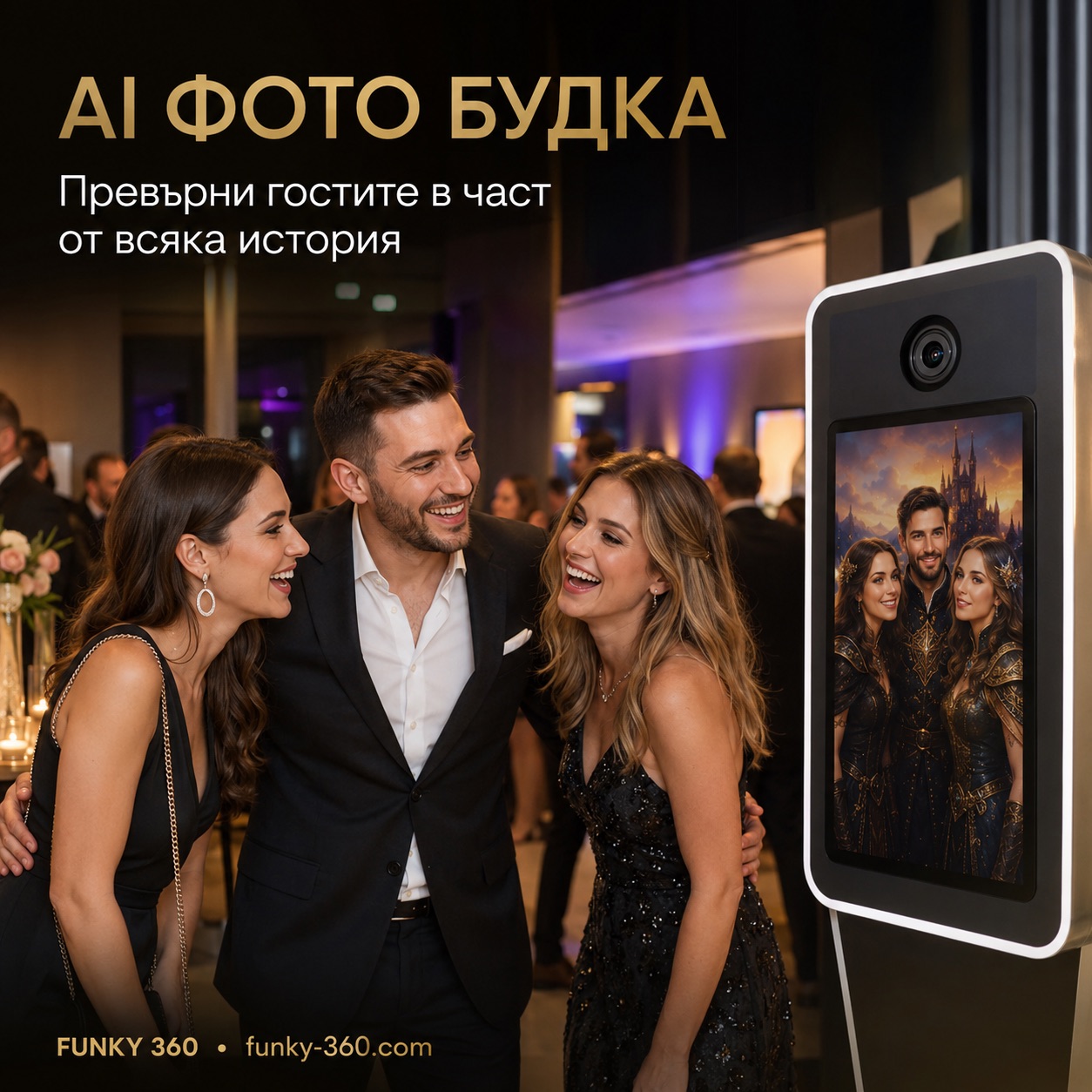
What's the difference between the original shot and the AI result?
| Element | Initial Shot | AI Result |
|---|---|---|
| Environment | The actual shooting area at the event. | A themed scene tailored to your chosen concept. |
| Outfit | The clothes the guest is wearing in person. | Can be kept as-is or creatively transformed. |
| Face & Expression | The guest's captured appearance. | The goal is an easily recognizable likeness, though specific features and details may vary slightly. |
| Branding | Might not be present in the raw photo. | Added via a custom-designed frame, graphic elements, and the themed concept itself. |
Want to see a specific concept in action? Just ask for a quick test with a sample photo and its AI result! Compare face likeness, composition, and fine details. The images shown here are a gallery of examples, not direct "before and after" pairs.
Which themed scenes work best for a corporate event?
A great theme connects with the occasion and instantly clicks with your guests. The following ideas make a fantastic starting point to inspire and test your custom concept.
Future & Technology
A futuristic city, a space mission, or a high-tech lab. The perfect direction for an event dedicated to innovation and growth.
Christmas Story
A winter wonderland, a festive workshop, or an elegant holiday look tailored to your company's brand colors.
Retro & Cinema
A visual style inspired by a specific era, a movie poster, or a classic studio portrait. Ideal for themed parties and anniversaries.
Adventure & Team Mission
Explorers, globetrotters, or an imaginative expedition. A great concept to amplify the message of a team building event or an internal campaign.
For holiday events, explore Funky 360's Christmas photo and video packages.
Can the AI photo booth take group photos?
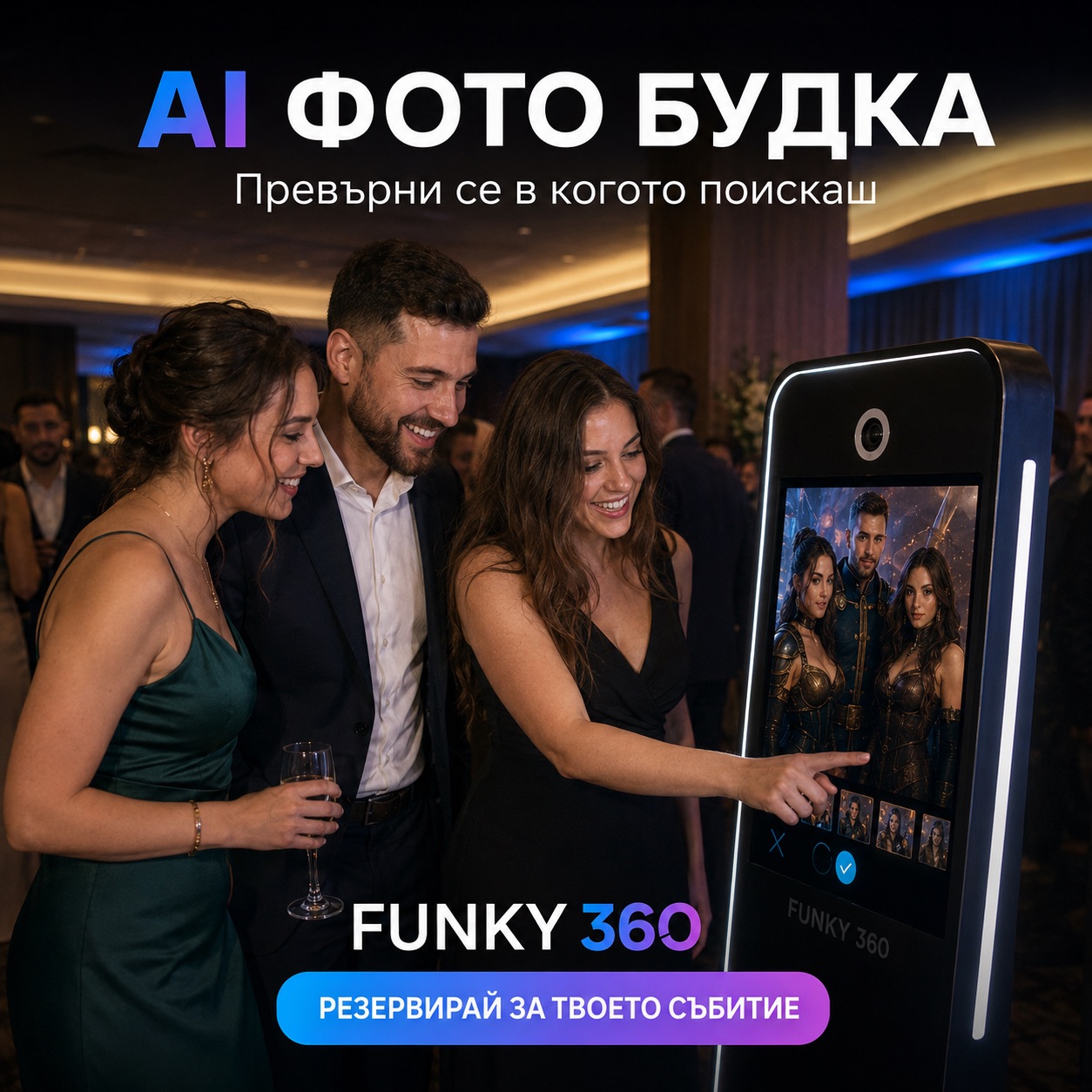
Group photos can be arranged when the chosen system and concept support them and have been tested for the respective group size. Not every individual look works equally well for couples or larger groups.
For individual portraits
The composition focuses on a single person. It's much easier to control facial visibility, pose, and the proportions between the guest and the background.
For two or more guests
Faces must be clearly visible, without anyone blocking each other. A more complex composition increases the chance of slight variations in details, clothing, or individual likeness.
- Decide on the desired number of people per frame in advance.
- Test the scene with that specific group size.
- Follow the assistant's guidance during setup and posing.
- For larger teams, consider taking a few smaller group shots if it delivers better results.
How long does it take to process an AI photo?
There is no single fixed processing time that applies to all AI scenes and setups. The time depends on the system used, settings, server load, and internet connection when processing via a cloud service.
For smooth event planning, it's helpful to separate image generation from the full guest experience:
- Choosing a look and posing in front of the camera.
- Taking the initial shot.
- AI processing and previewing the result.
- Digital delivery and instant printing, if included.
During planning, request an estimate based on a test of your chosen concept. For large events, be sure to plan the flow for when multiple guests participate at once.
Unlimited photos does not mean unlimited capacity per minute. Guests can take as many photos as they like during the rental period, but processing and interacting naturally require real time.
What quirks or imperfections can occur with AI photos?
The generated image may sometimes contain minor quirks. Advance testing and a well-captured input photo boost quality, but cannot guarantee an identical or flawless result in every single frame.
| Potential quirk | What it might look like | What to do |
|---|---|---|
| Facial variations | Subtle differences in expression, age, or specific features. | Test for likeness and make sure the face is clearly visible in the input shot. |
| Hands and accessories | Slightly off fingers, glasses, jewelry, or props. | Stick to simpler poses and review key details. |
| Group composition | Varied likeness across different people or shifted positions. | Test the scene with a realistic group size and ensure no faces are blocked. |
| In-scene text and logos | Altered letters or an inaccurately rendered brand mark. | Add official logos and exact text as a separate, pre-approved graphic overlay. |
When it is essential to showcase clothing, products, or appearance with 100% precision, consider a classic photo booth session with a custom-branded frame as an add-on or alternative.
How to prepare an AI photo booth for your corporate event
Define your goal
Decide whether you want fun entertainment for employees, an engaging experience for booth visitors, or themed content for a campaign. This will guide your scenes, branding, and photo delivery methods.
Approve the visual themes in advance
Prepare your company logo, brand colors, message, and examples of the desired style. Choose a clear set of concepts that guests can easily grasp and enjoy.
Focus on the guest experience, not just the pretty sample
Test the entire flow: capturing, AI generation, previewing, receiving, and potential printing. Decide on a plan for handling unintended results or temporary delays.
Tailor the photo zone to your event schedule
Share your guest count, scheduled breaks, and venue layout. For short common breaks, consider multiple stations or spreading participation throughout the event.
Define image access and privacy terms
Clarify in advance how guests receive their shots, who can access the gallery, and the terms for storing and using the images. Keep the on-site fun separate from using the photos in promotional materials.
To compare with other formats, check out our photo and video booth selection guide.
Frequently Asked Questions about the AI Photo Booth
Is a green screen required?
Funky 360's AI photo booth can generate themed images without a green screen. Proper lighting and clearly captured guests remain essential for the best look.
Will guests still recognize themselves in the photos?
The goal is always to keep people recognizable, though AI may playfully adjust some features. A pre-event test run will show how your chosen style affects the likeness.
Can the photo feature our company logo?
Absolutely! A custom overlay frame can feature your approved logo, brand colors, and event message. To guarantee crisp accuracy, the logo is applied as a graphic overlay rather than being generated by the AI.
Can coworkers take photos together?
Group shots depend on the capabilities of the chosen setup and scene. Let us know how many people you'd like in the frame so we can test the ideal configuration.
Is instant printing available?
Printing options depend on your selected package. If physical prints are a must-have, just let us know when you make your inquiry!
Is there a limit on the number of photos?
Photos are UNLIMITED for the entire rental time — no caps at all! Just keep in mind that capturing and AI rendering take a little time, which we'll help factor into your schedule.
How do guests receive their digital photos?
Funky 360 provides instant QR code downloads and a private online gallery. We'll fine-tune the exact delivery method during the event planning phase.
Is the AI photo booth the same as the AI Glambot?
Not quite! The AI photo booth generates still photos, while the AI Video Glambot delivers dynamic slow-motion videos enhanced with AI visual effects.
How much does an AI photo booth cost for a corporate event?
Check out our current pricing. For a personalized quote, simply share your event date, city, guest count, rental duration, and preferred theme.