
Funky 360 · Corporate Event Planning
How to organize a photo zone for a company Christmas party?
The right spot, a well-planned schedule, and a cohesive look help guests join in easily and take home a wonderful keepsake. Here is what to plan—from booth placement to managing high guest turnout.
What do you need for a well-organized photo zone?
Pick a visible and accessible spot, align operating hours with the event schedule, approve the frame and branding in advance, and make sure there is enough space for waiting guests. For large events, consider whether a single station is enough for the available photo time.
Start with five key details: date, location, guest count, schedule, and the desired keepsake—printed photos, festive AI images, or videos.
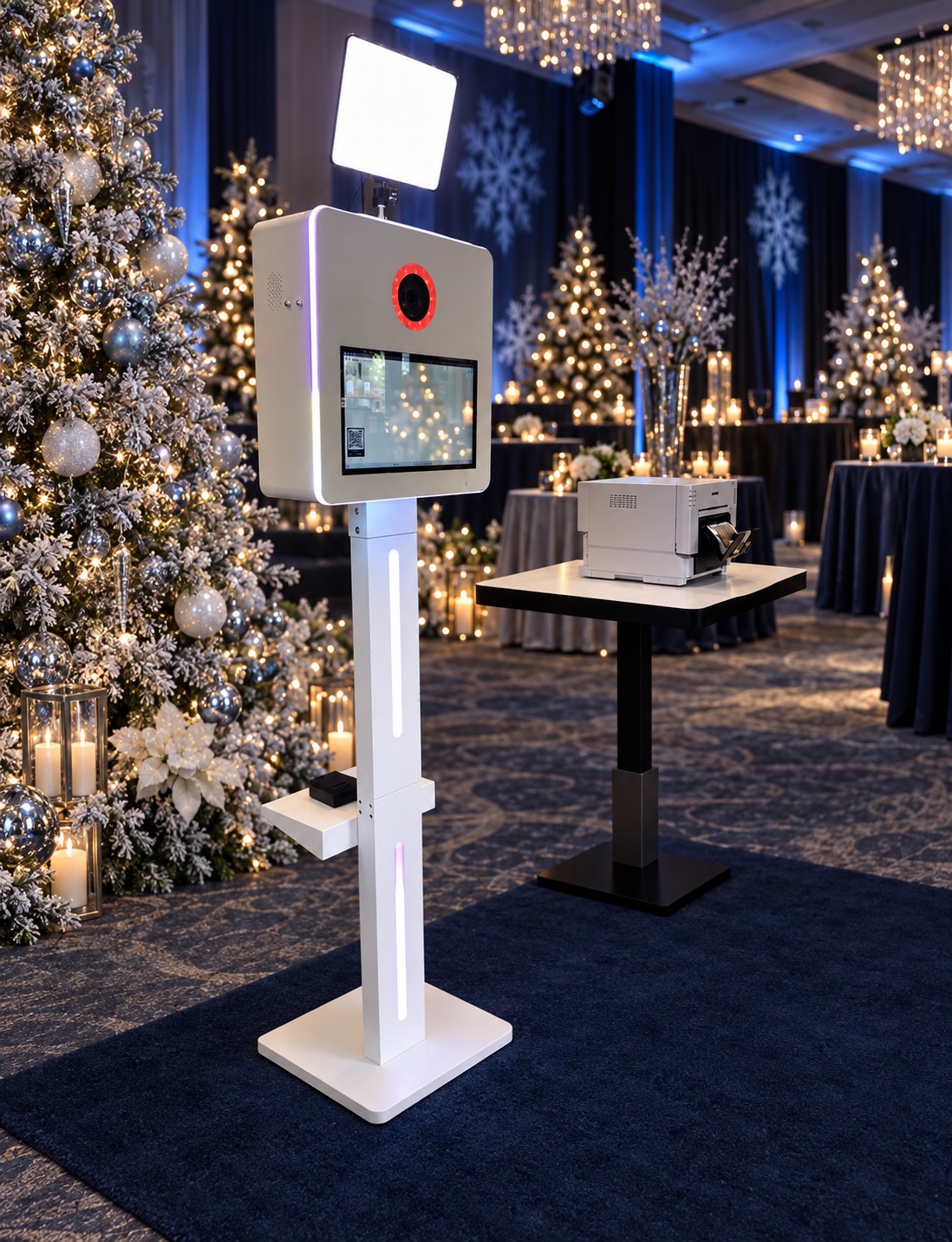
Where to place the photo zone at your company party?
The ideal spot is close to the natural flow of guests, but away from the main walkway. The photo zone should stand out without waiting guests blocking the welcome area, catering, or event program.
| Location | Advantage | What to check? |
|---|---|---|
| Lobby or welcome area | Easily noticed right upon arrival. | Ensure the line doesn't clash with the coat check, registration, or entrance. |
| In the main hall | Remains visible and accessible all evening long. | Distance to dining tables, the stage, and staff service paths. |
| Next to a lounge or mingling area | Encourages small groups to hop in naturally. | Check if there is sufficient room for posing, queuing, and picking up prints. |
| Separate room | Offers more space and better control over the backdrop. | Consider whether signage and reminders from the host/MC are needed so guests can easily find it. |
Don't just plan space for the booth itself
You also need space in front of the camera, room for a backdrop depending on the setup, and easy access for guests. For a 360° platform, make sure to account for the rotating camera arm's clearance.
Send a photo or venue floor plan before finalizing the layout. Exact dimensions depend on the service, backdrop, and extra features.
Coordinate lighting and power requirements
Check the available power outlet and cable routes with our team and the venue coordinator. Never run cables across guest walkways. Also look out for strong spotlights, flashing stage lights, or bright windows directly behind the photo area.
Which service is best for a company Christmas party?
The choice starts with what you'd like your guests to take away. A classic print, a creative AI portrait, and an energetic dynamic video offer unique experiences and require different planning.
Photo booth with instant printing
Perfect when you want colleagues to take home a high-quality physical print with a branded holiday frame. The open-air photo booth welcomes both solo shots and big group photos.
Photo Mirror
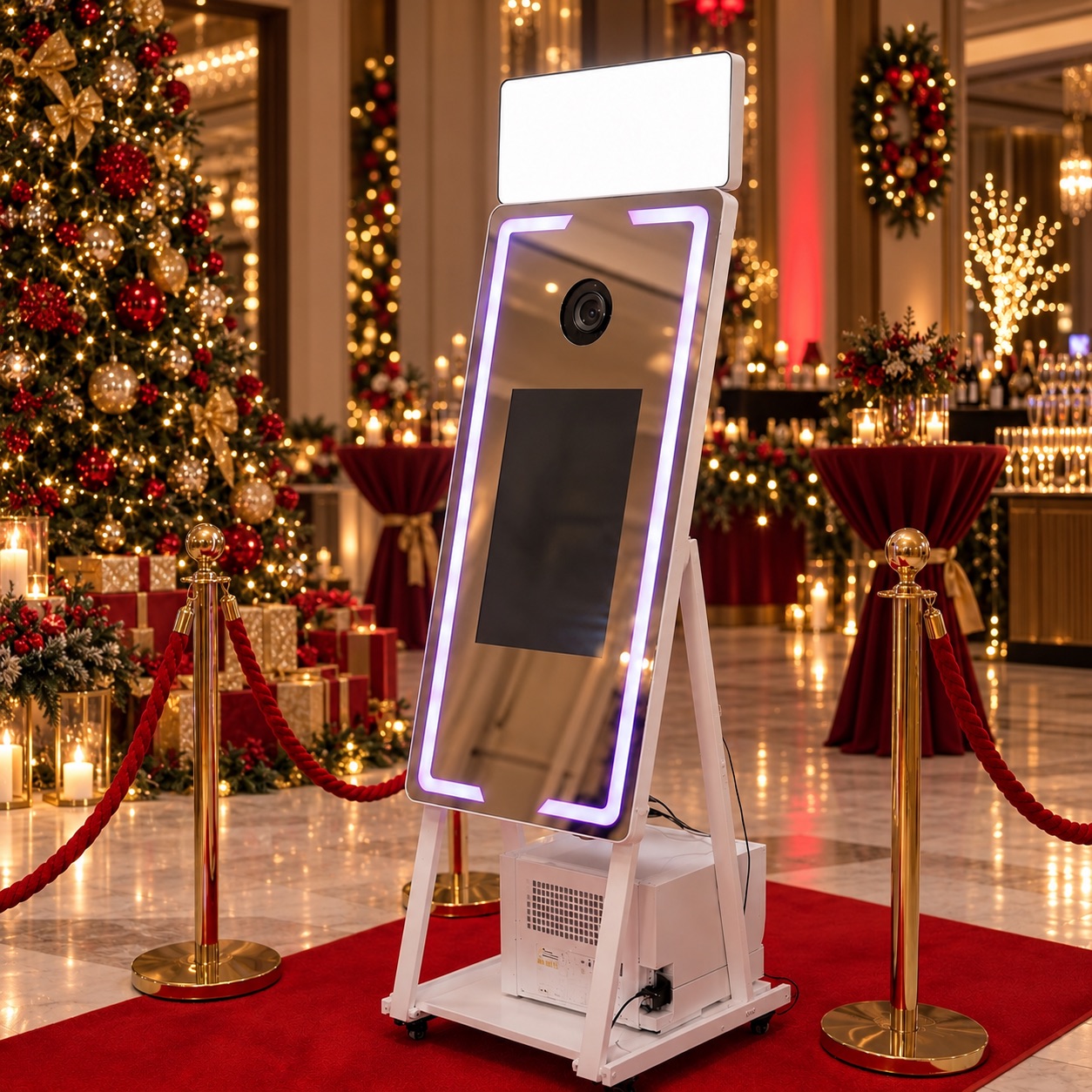
A stunning option for events where the booth's design is part of the overall decor. Combines an interactive touch-screen experience with instant printing.
AI Photo Booth
Great for a custom holiday theme: a winter wonderland, festive character, or branded corporate concept. Review test results and specify print options based on your setup.
360° Video or AI Glambot
For guests who love video. With the 360° platform, the camera spins around them. With the AI Glambot, the magic is created through AI processing, without a robotic Glambot arm.
For a more detailed comparison, check out how to choose between a photo booth, a photo mirror, and video attractions .
When should the photo zone be open during your event program?
Plan the operation around moments when guests are free to jump in. The photo zone can be open during the welcome reception, between official parts of the program, and throughout the open party time.
Avoid having everyone rush to take photos during speeches or award ceremonies. Coordinate with the host on when to announce the photo zone and when to give friendly reminders.
| Timeframe | Program | Photo Zone Setup & Operation |
|---|---|---|
| Before 19:00 | Venue Preparation | Setup, fine-tuning, and test shots during an agreed time window. |
| 19:00–20:00 | Welcome Reception & Cocktails | Great chance for early snaps without blocking the entrance or check-in area. |
| 20:00–20:30 | Welcome Speeches & Official Program | No active invites to shoot; the booth's activity is tailored in sync with the event host. |
| 20:30–22:30 | Open Party & Dancing | Group shots, repeat visits, and smooth guest flow guided by the booth assistant. |
| 22:30–23:00 | Final stretch of the hire | A heads-up on remaining time, offering a final chance for guests who haven't hopped in yet. |
This is a sample schedule, not a description of a past event. At Funky 360, the minimum booking for corporate Christmas parties is 4 hours. Be sure to arrange setup access, start and end times, and whether any pauses are included in the booking duration.
How to prepare Christmas photo frames and corporate branding?
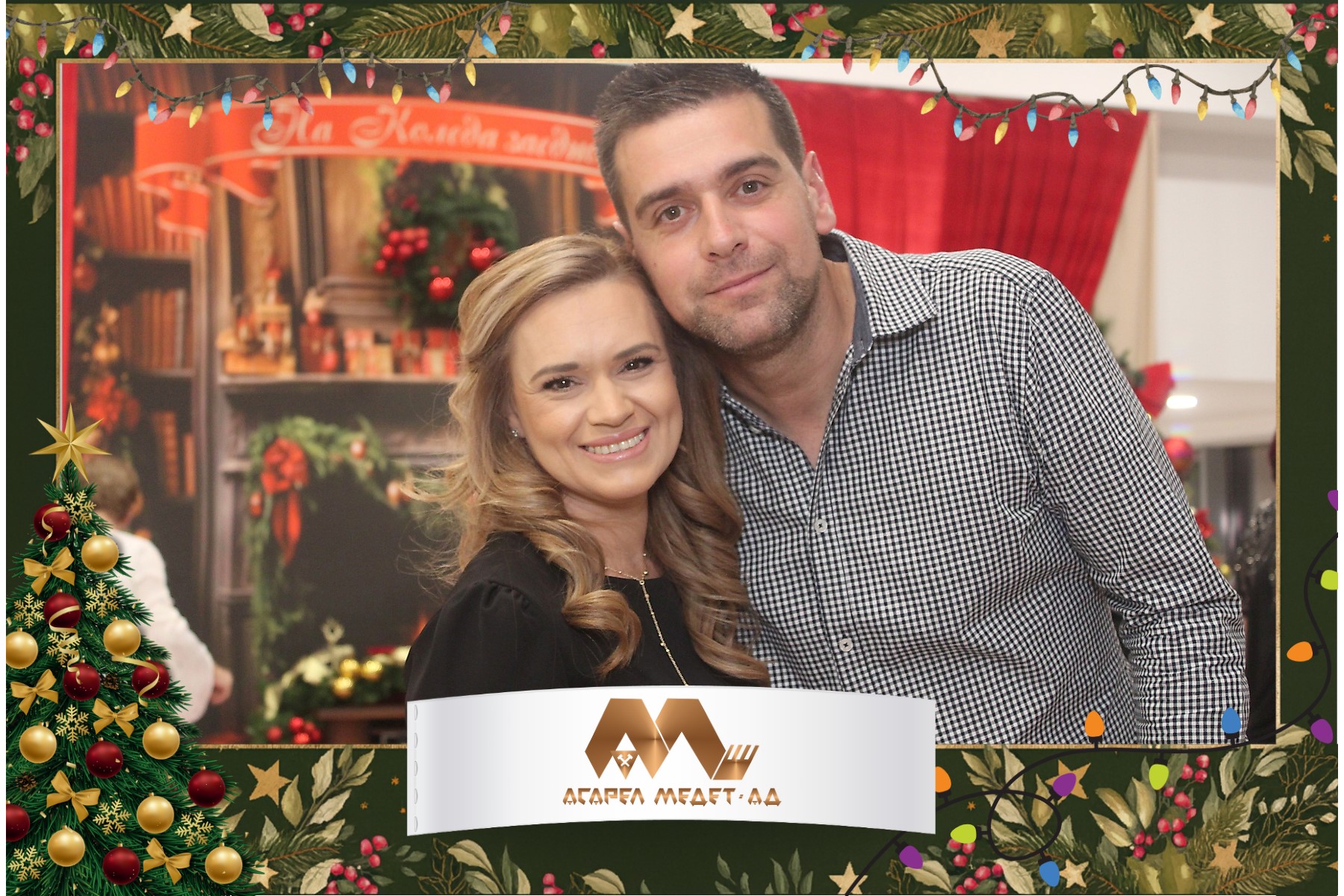
The frame should enhance the photo, never cover people's faces. Pick a crisp company logo, a short festive greeting, and design accents that match your brand colors and the party's theme.
Send over your design assets in advance
- High-resolution logo, preferably in vector format.
- Brand colors and logo usage guidelines.
- Exact event name and date, if you'd like them included.
- Short, approved holiday greeting or tagline.
- A sample invitation or party creative to ensure a seamless style match.
- A single point of contact to approve the final design.
Keep the frame design distinct from the zone's physical decor
The digital overlay on the photo, the physical backdrop, the booth enclosure wrap, and the holiday decor are all separate elements. Clarify which are included in your package and which need extra arrangements.
Preview the look with a test shot
Review a sample showing people naturally posed in the frame. Check that the logo is easy to read, the text isn't too tiny, and the layout leaves plenty of room for big group shots. For AI concepts, take a peek at sample generated results too.
How to manage the photo zone for large guest lists?
Total headcount doesn't always tell you how many people will head to the photo booth at the exact same time. What really matters is the length of free time windows, repeat visits, and how much guests love group photos.
Spread the fun throughout the evening
Whenever the schedule allows, invite guests to swing by the photo zone at different times. Avoid making just one big announcement right before the booth wraps up.
Leave room for a comfortable queue
Guests waiting in line should clearly see where the queue begins without accidentally stepping in front of the camera. Whenever space allows, keep the photo pickup area separate from the posing spot.
Consider whether a second station makes sense
A second station is worth considering when many guests have a short window of free time, or when the goal is for as many people as possible to participate. The need is best judged by the program flow, not just total attendee numbers.
To get more printed keepsakes, you'll need an extra printing station. Pairing up with a 360° platform brings an awesome video vibe, but it doesn't increase your photo print capacity.
Photos are UNLIMITED for the booked duration — no caps attached. That means there's no set limit on shots, though each session takes a brief moment to strike a pose, shoot, and grab the printout.
What should you prepare before the corporate Christmas party?
- Confirm the service and date. Send us the city, venue, estimated guest count, and preferred hours.
- Coordinate the venue. Prepare a floor plan or photos of the hall and contact details for the venue manager.
- Approve the design. Check the logo, message, and sample test shot.
- Confirm logistics. Specify load-in access, setup, power supply, and teardown details.
- Send the final program. Highlight speeches, awards, dinner, and the best moments to announce the photo booth.
- Specify digital delivery. Confirm how the gallery will be accessed and who from your company will receive the link.
It's practical for the organizer, venue, and photo booth team to share the exact same final version of the schedule.
Frequently asked questions about the Christmas photo zone
What is the minimum booking time for a corporate Christmas event?
The minimum booking time for Funky 360 corporate Christmas events is 4 hours, regardless of the city or chosen activation.
How much space is needed for the photo zone?
It depends on the device, backdrop, and extra elements. Besides the equipment, there should be enough room for posing and easy access. Send us a floor plan or venue photo for a tailored assessment.
Can the photos feature a company logo?
Yes! The frame overlay can include your company logo, brand colors, and a festive Christmas message. The design is prepared and approved in advance. Custom branding for the booth itself is arranged separately.
Are the backdrop and Christmas decorations included?
Please check the specific items in your quote. A customized photo frame template does not automatically include a physical backdrop, Christmas tree, or full-scale decor for the space.
Is there a limit on the number of photos?
You get an UNLIMITED number of photos during the booked time — no limits! For video services, videos are also unlimited for the duration of the booking. Guests can step in as many times as they like!
Do guests get their photos on the spot?
The classic photo booth and photo mirror feature instant printing. For the AI photo booth, instant printing is arranged based on your selected setup.
Is there an attendant on-site the entire time?
Yes! Our friendly assistant is there to help your guests, keep the fun flowing, and take care of all the tech throughout the entire booking.
Do you offer photo zones outside Sofia?
Yes! Funky 360 covers corporate Christmas events in Sofia, Plovdiv, Varna, Burgas, and other locations across Bulgaria. Availability is confirmed for each specific date.
How much does a Christmas photo zone cost?
Explore our current offers for corporate Christmas events . For a custom quote, let us know the date, location, guest count, duration, and desired services.